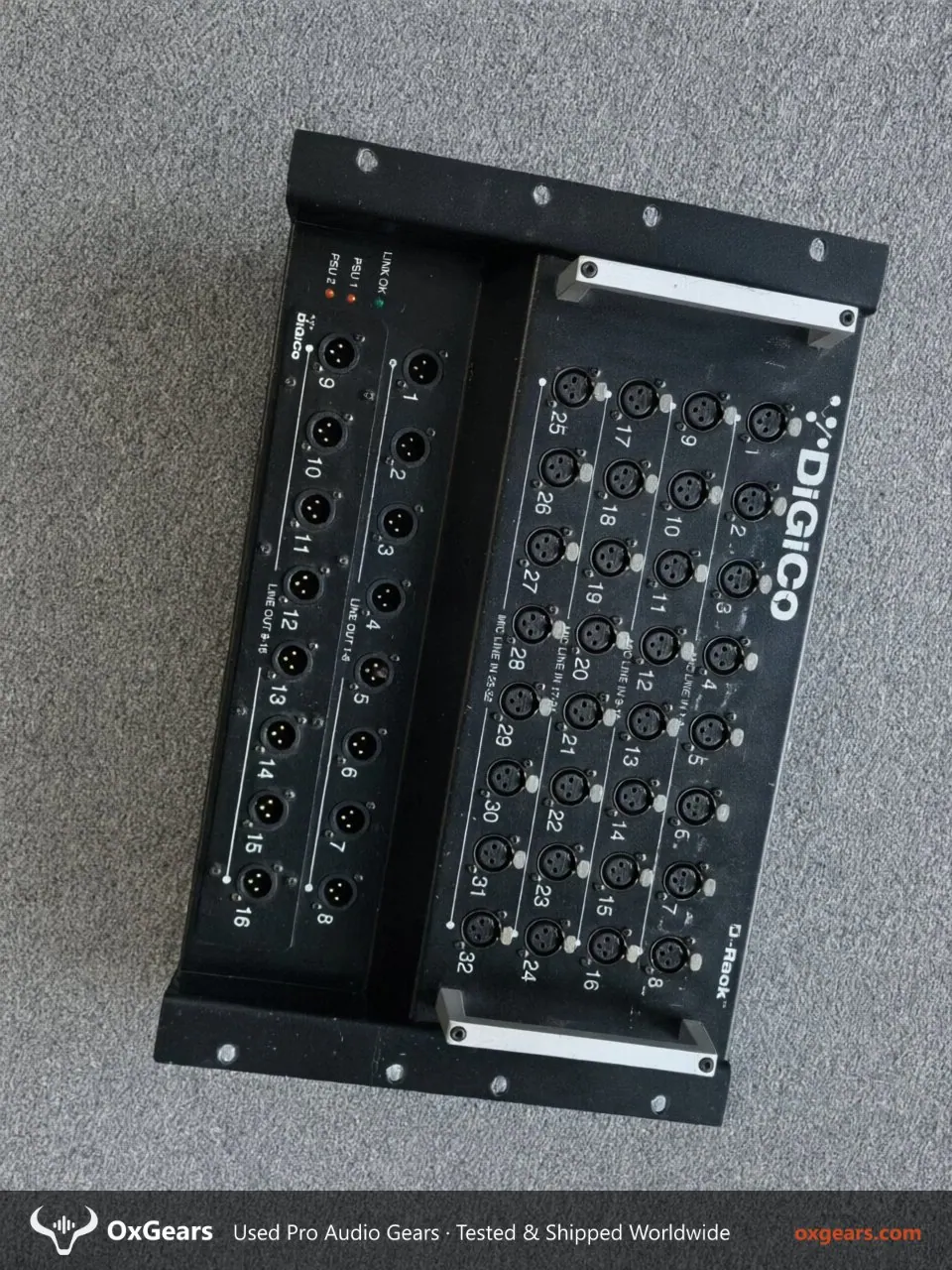
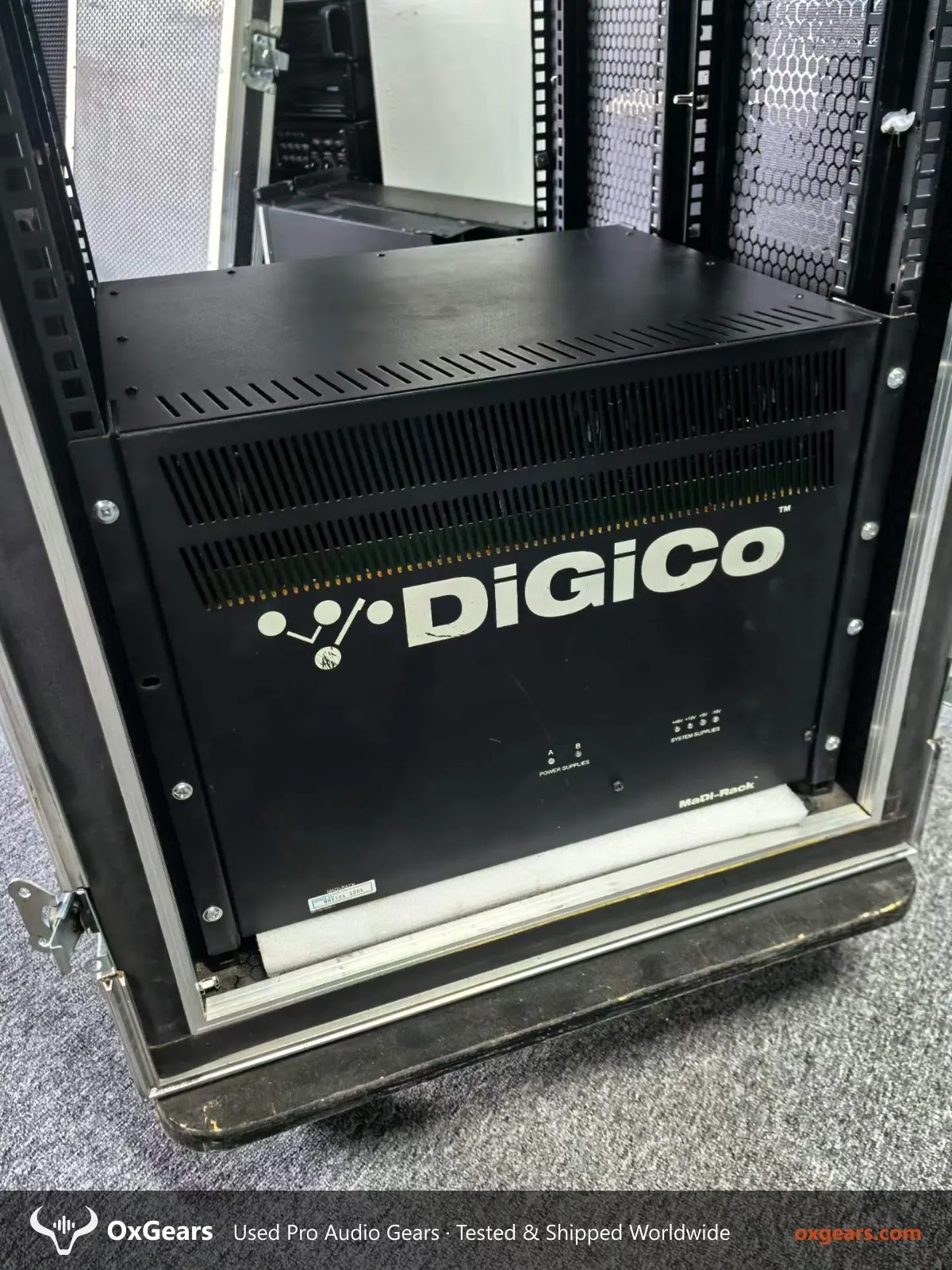
The DiGiCo D-Rack is a 2U Optocore stage rack with 32 XLR mic/line inputs and 16 XLR line outputs, and it remains a workhorse for rental companies and venues running DiGiCo consoles. If you are searching for a used DiGiCo D-Rack for sale, the key question is not the spec sheet — it is how the unit has been treated in the field and whether the Optocore link and all 48 analogue channels still behave. This guide covers what to inspect before you commit.
Start with the physical and mechanical side. At 8.5 kg in a 2U chassis, the D-Rack travels constantly, so check rack ears, front panel XLR retention and rear connector seating for bent pins or stripped screws. Confirm the voltage label matches 100-240V ~ 47-63 Hz operation and that the internal PSU has no rattle or burn smell. Ask for photos of the internals if the seller allows it, and request a test report — on this listing testing is available on request, so specify exactly what you want measured.
Functionally, the D-Rack is only as good as its Optocore network. Before shipping, ask the seller to run the rack against a console or Optocore interface and confirm stable lock, no dropouts, and correct channel mapping across all 32 inputs and 16 outputs. Test phantom power on every mic input, check for noisy or dead preamps, and verify each line output at unity. If you are comparing this against other second hand pro audio equipment for export, insist on the same test protocol so the comparison is fair.
Condition grade A means the unit should be fully working with only minor cosmetic wear. Expect light rack rash and small scuffs on the chassis, but no cracked XLR shells, no missing screws and no faded or illegible legends. Ask for close-up photos of every connector block and the rear Optocore ports. For venue owners integrating a D-Rack into a fixed install, request a venue audio system integration review of the existing console and cabling before purchase, so the rack matches your Optocore topology.
For distributors and rental fleets, the practical checks are spares and documentation. Confirm whether the unit ships with its power cable and any rack hardware, and ask whether the seller can supply a channel-by-channel test sheet. Because quantities and test availability vary, treat the listing as a starting point and confirm stock before quoting your own customers. Buyers sourcing multiple racks should read our used pro audio buying guide for inspection and export packing standards.
Finally, plan the export. The D-Rack is compact and light, so it ships economically, but Optocore ports and XLR blocks need foam protection and the unit should travel in a rack or double-boxed carton. Confirm voltage compatibility for the destination market, agree who handles testing evidence, and browse the wider used amplifiers and DSP catalogue if you need matching processing. A verified, tested DiGiCo D-Rack in Grade A condition is a low-risk addition to any DiGiCo-based rental or install inventory.
Questions about this unit or about shipping to your country? Contact us for condition photos, test results and a quote.